Multi stopwatch
Four ways to time
One common start. Tap each athlete as they cross the line.
FinishLapsRunsIntervals
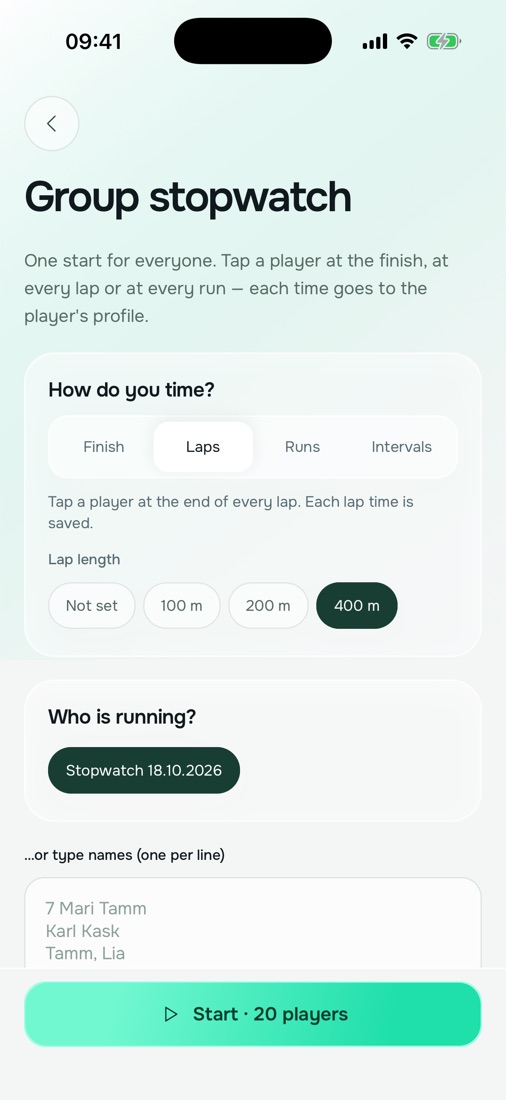
Start the whole group at once, then tap an athlete to mark a lap, a run or the finish. Every time goes straight into the athlete's profile.
One common start. Tap each athlete as they cross the line.
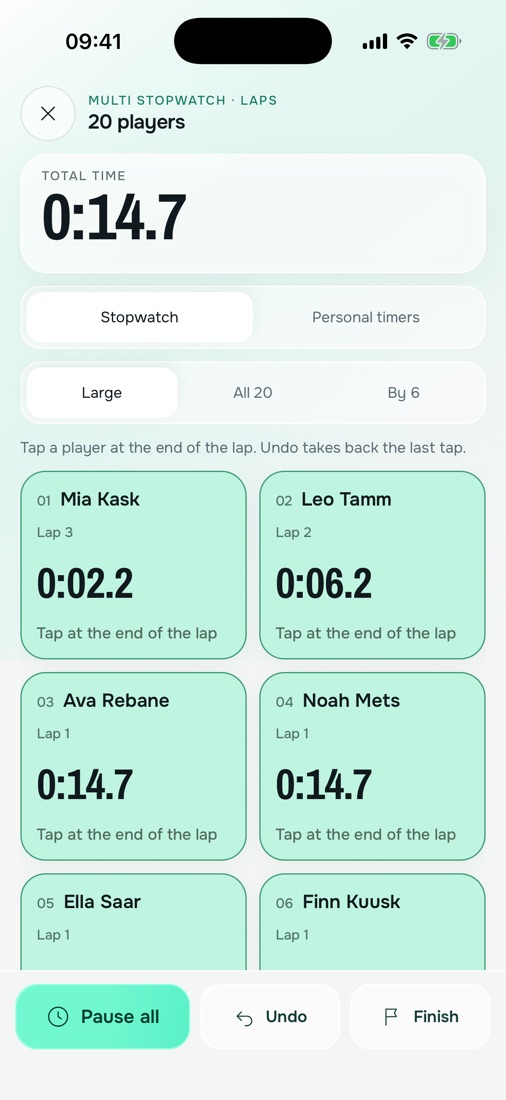
Set the lap length. Every tap records a lap; the total time is counted for you.
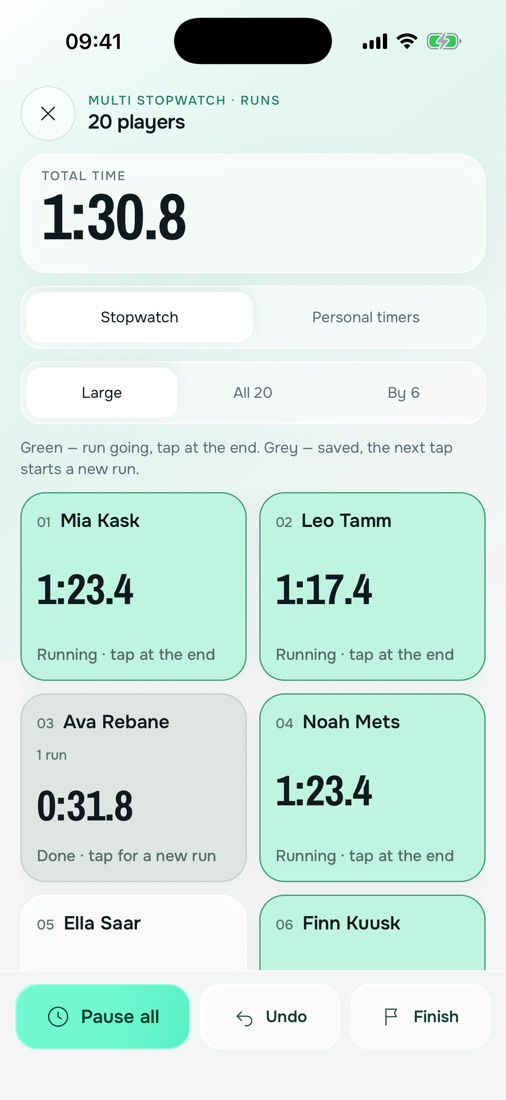
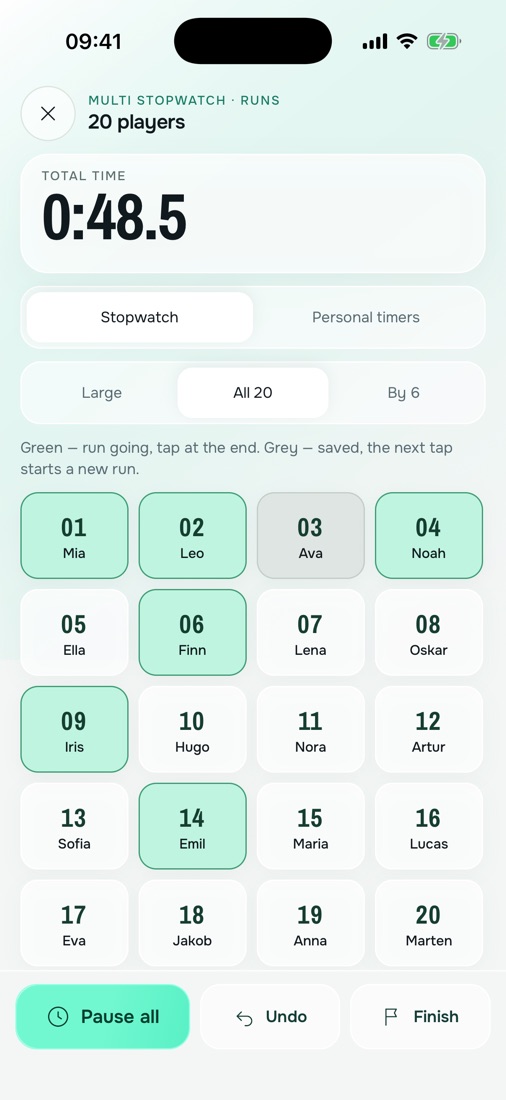
Each tap starts or ends a run, so every athlete repeats runs at their own pace.
Large cards, everyone at once in a 4 × 5 grid, or pages of 6 you swipe through.
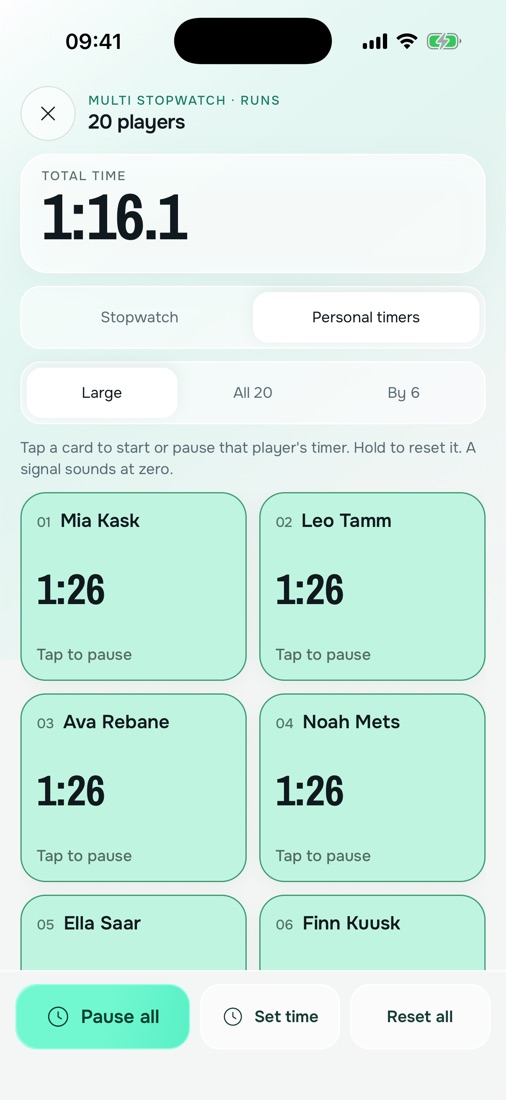
A countdown for each athlete with its own length, and a signal at zero.
A whole group. Use large cards, show everyone at once in a 4 × 5 grid, or swipe through pages of 6.
All times come from one common start on the phone's clock. A tap is as precise as the person tapping, usually within 0.1–0.2 s.
No. Timing works offline. Results sync to your other devices and coaches when you are back online.
Yes. Undo removes the last tap and never moves the clock.
Start the whole group at once, then tap an athlete to mark a lap, a run or the finish. Every time goes straight into the athlete's profile.
Get the appComing soon to the App Store and Google Play